
Excel checkbook register template | Printable check register free
Actually, check book or check register is a document use for record financial transactions. This is one type of ledger which is specifically used to monitoring and accounting transactions for financial management system.
Checkbook register is very helpful document if you want maintain your bank and cash transactions. It will give you a complete information of your all the bank transactions, cash flow and your expenses that you never realized. This will help you to control exceeding expenses which are unnecessary.
This is not great idea, to open your bank account online for checking your balance can increase security risk of your account. Hence offline you can manage you’re all the banking and financial transactions in simple excel sheet which is more convenient for manage it. This checkbook register template will help you to identify where your money goes, and what is your bank status i.e. balance of your account. Hence it can help you to monitoring on bouncing checks, budgets, detecting errors and helps to reconciliation of bank statement.
Checkbook register templates
Sample Excel Checkbook register template
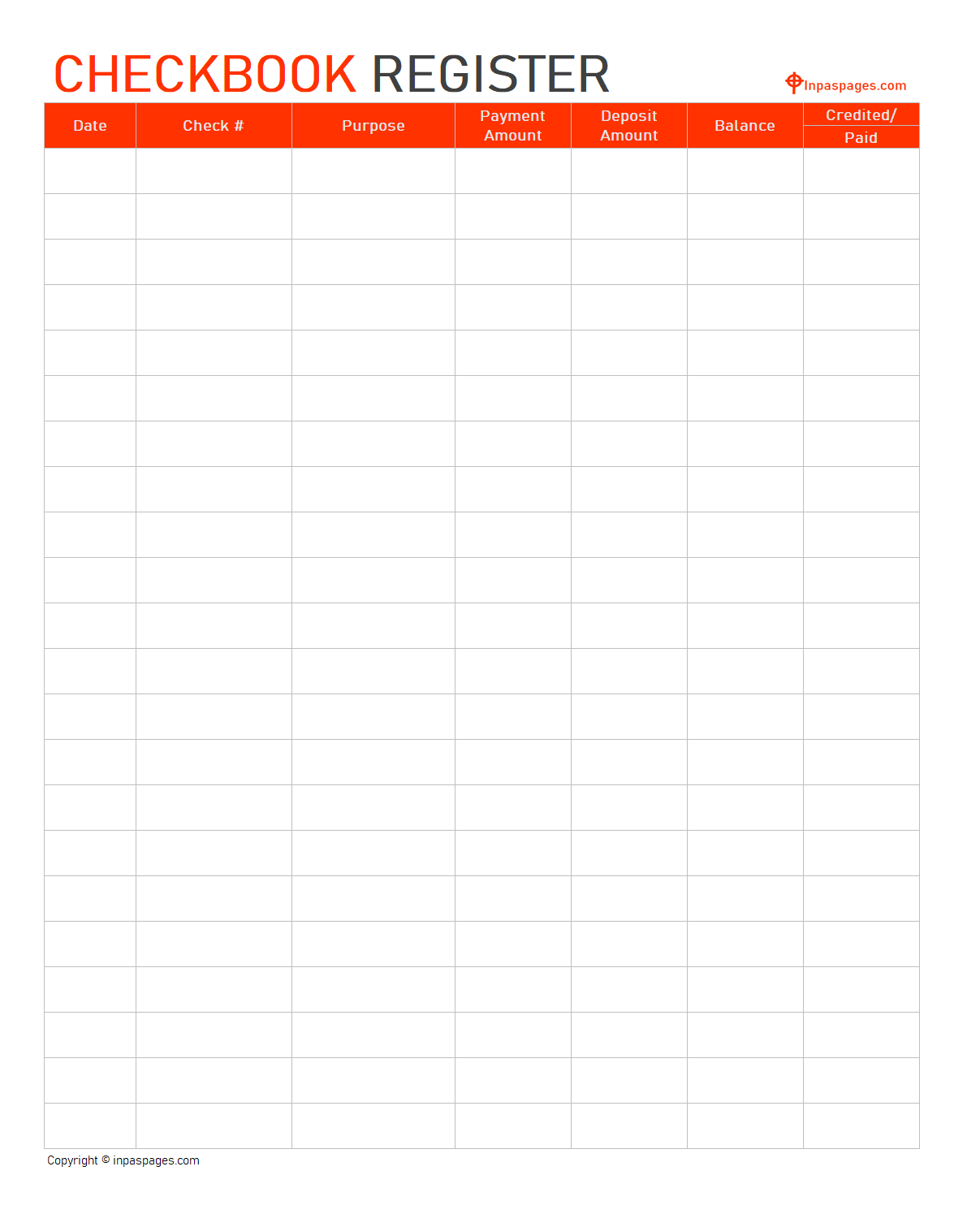
These check register or checkbook register template is sample template can help you in establishing and maintaining record of your all business as well personal transactions. The field design and its features you can add as you wish remains details are common in any checkbook register. This checkbook register is useful for businesses and individual too, to use this register for tally transactions with bank account statement at end of the month. It will help you verify information and transaction made with your bank during the month.
Checkbook register printable free in excel sheet
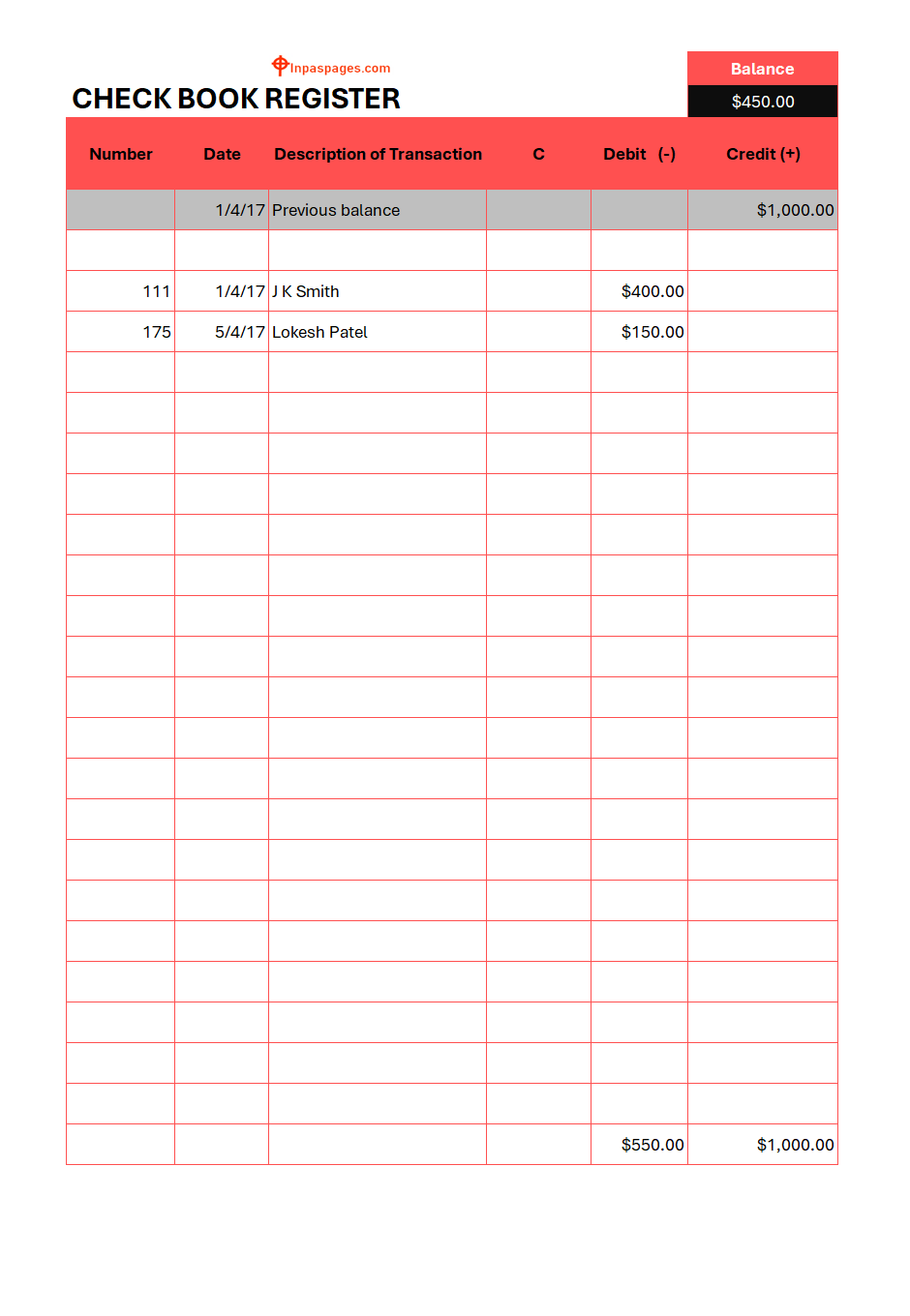
This is one of the best designed, specifically for the personal and small scale businesses. These template is made in excel sheet, hence it will be easy for use and easy for modification for maintain each transaction daily. It may help you maintain record of all the withdrawals and deposits done in a bank account, and also easier for maintain your expenses, if you properly categorized it. Because This excel checkbook register will automatically calculate all deposits, expenses and withdrawals with bank account, and will show you current balance of your financial status.
Printable check register / checkbook register template – free excel and pdf
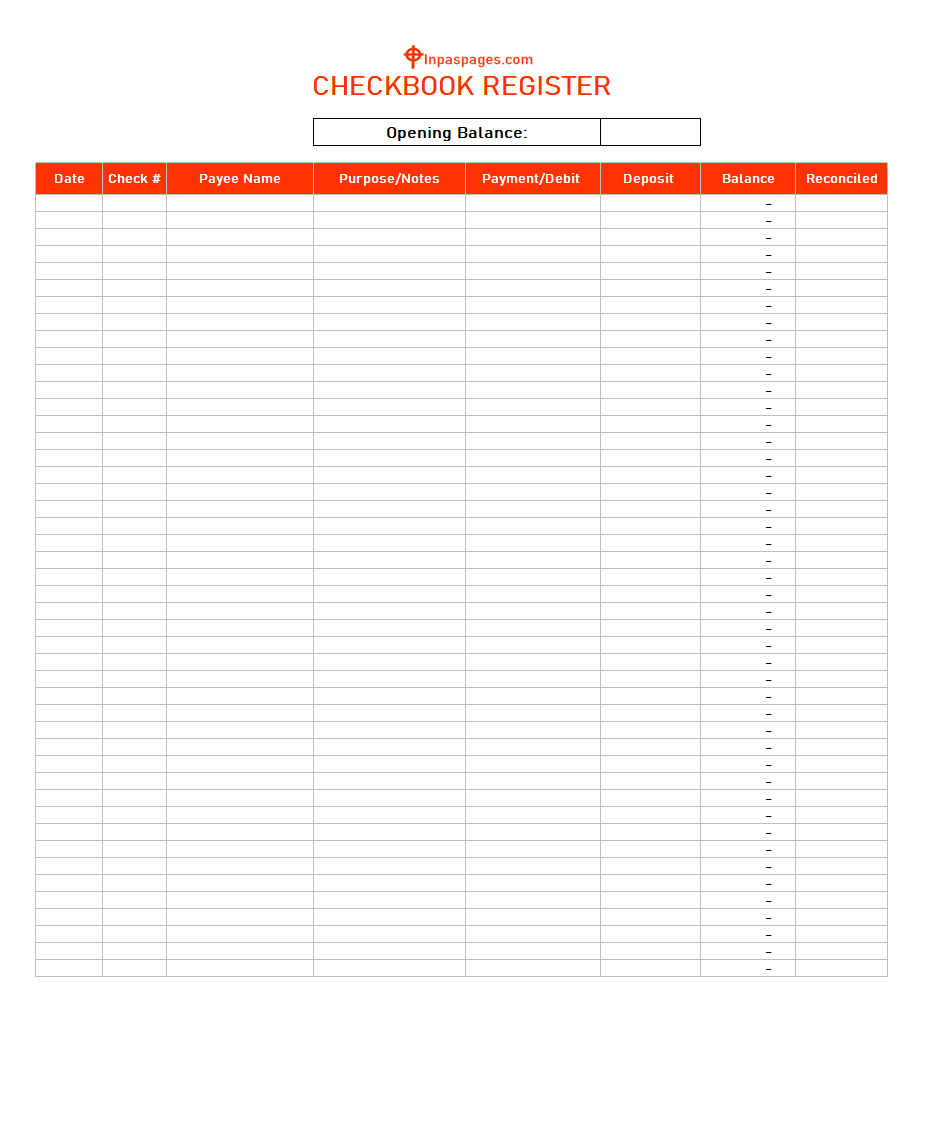
This is specially designed check register in printable version. Advantage of the printable check register is that you can take print after complete full details or major modifications in the template. And you can send this copy to any other individual for your personal reasons. In this template, you have to just need to enter require details and template will automatically calculate as formula set in excel sheet.
Excel checkbook register – check register | Free online template in Excel & PDF
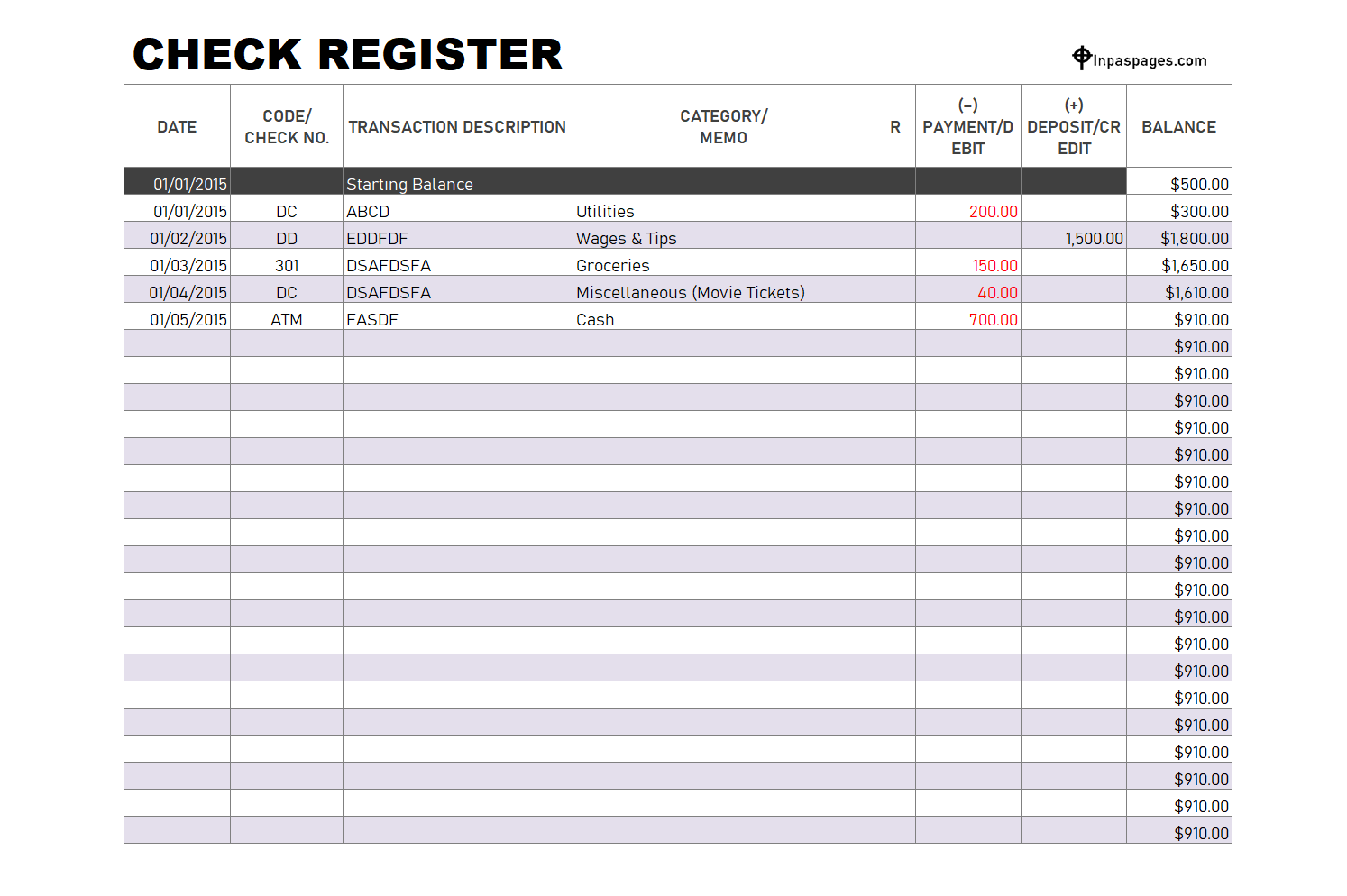
Actually, checkbook register or check register is simple list of transactions that have made during month or specific time period. But this template is specifically formulated in excel format, hence you can get the balance amount on end of the month. When you get the bank statement, you can verify the details with this template.
Check book Register in excel
How to prepare checkbook register in excel?
Managing all the financial records in your computer is really good habit and beneficial for your future. It may useful for verifications and acknowledgement of your financial condition. Generally, in market, so many readymade software is available which are automatically calculate and manage your all transaction, but it will be costly for individuals. Hence Excel formatted sheet is really convenient way and sufficient for individual requirements for data entry. This sheet can help you to track all your financial transactions, bank reconciles and expense records etc.
What information needs to prepare perfect checkbook register in excel?
When you get check or write check to someone for something purpose, you have entered the information in the checkbook register. Up to date information will help you to track the records for appropriate purposes. Some basic information that are similar in any check register are as below:
Date:
Don’t be confuse, this is not date when you enter the information, this is the day you write the check. Actually, date is every important when you write the check to some can get money or deposit on base of date. Wrong date can create error or your payee can’t get money if any mistake in date.
Check number:
Check number is unique number, you can track the records, communicate with bank, and use this number for your beneficiary person. Normally, the check number is defining or pre-printed on check by bank. You can’t change this number because its unique and in chronological order defines by bank.
Beneficiary / Pay by:
Here you can enter the name of the beneficiary, if you write check to someone. Or person name if you get any check from someone. Actually, it may individual, business or person who is getting check or giving check.
Description of Transaction:
This field is description of transaction show the reason of this transaction. It may show why the check was given or received from someone. Try to make this description in brief, short and point to point. The clear description will help to understand about transaction later on sometime.
Category:
Well defined category give you perfect understanding about your expenses and incomes. This field you have make by self to see your previous transactions, and expenses. You have to define categories which is convenient for your regular transactions.
R / C (Reconciliation / Cleared):
This field can be used for verification of the transactions with bank statement. It may be reconciliation and cleared amount if bank showing in its statement.
Debit – Payment & Credit:
Payment:
Here you can enter the amount either it can be debit or credit as payment. It may be including withdrawals, direct payment through any medium or by check credit to your account.
Fees:
In case the bank charged for any services or annual amount which is deducting from your account as fees. This may be ATM annual charges, credit card charges or any other subscribed services.
Transfer:
This field is optional, because if you want to monitor your transfer from your two account. Mean when you want to track the record when you transfer the amount one bank to another bank account. This field will allow you to show the transaction in checkbook register.
Balance:
This is very important part of the checkbook register. Here you can see the balance field is describing the balance of your account on all transaction made. Through this field, you can verify the amount with your bank statement and against your cash balance. For example, if you bought one bag for $70 from any shop and paid them by check. Your bank account balance was $1080 before given the check. Now, you have to ensure that your correct balance simply should be $1010.